How to Fix a Dusty Speaker (Step-by-Step)
To fix a dusty speaker, power down your device and gently brush the exterior grille with a clean, dry, soft-bristled toothbrush. Next, use a 165Hz sound ejection tone or a bulb air blower to dislodge fine particles. Never use liquids, needles, or high-pressure air compressors.
Acoustic Speaker Cleaner Studio
CalibratedPulsed resonance frequencies engineered for mobile & laptop acoustic grilles
Optimal Technique: Set volume to 80%–90%. Angle speaker grilles 45° downward over a microfiber cloth to allow expelled droplets and dust to escape naturally. Safe acoustic exposure limit: <85dB SPL.
Why This Happens
Step-by-Step Fix
Power Off and Disconnect the Device
Always turn off your smartphone, laptop, or speaker before cleaning. Unplug any charging cables and headphone jacks. Powering down prevents accidental electrostatic discharge (ESD) and protects sensitive speaker coils from electrical surges during cleaning.
Brush the Grille With a Soft, Dry Brush
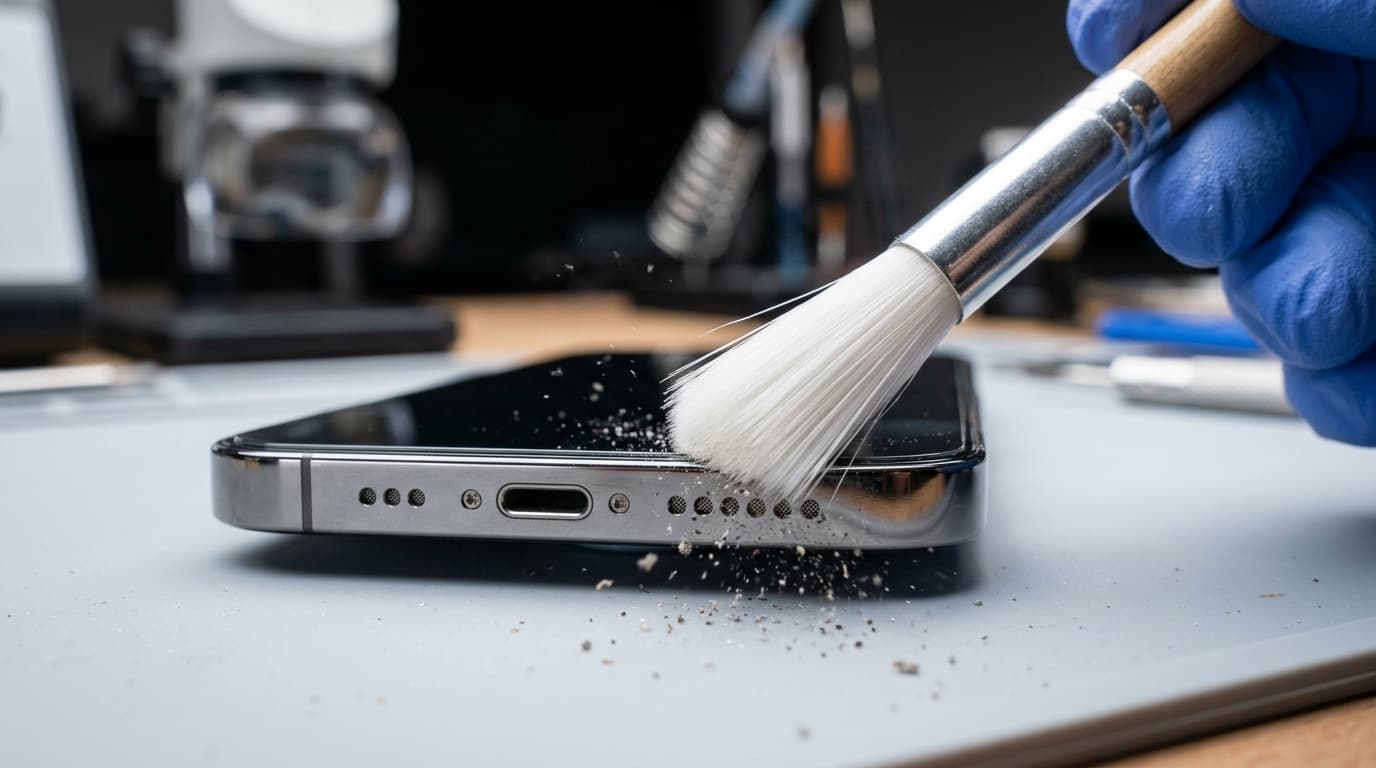
Take an unused, ultra-soft bristled toothbrush or an anti-static electronics brush. Hold your device so the speaker grille faces downward—allowing dislodged dust to fall out rather than deeper into the chassis. Gently sweep the bristles across the holes at a 45-degree angle in short, flicking motions. Do not push the bristles hard into the mesh.
Use Low-Pressure Air or an Audio Ejection Tone
Use a rubber camera bulb air blower (never a high-pressure industrial air compressor, which can rupture fragile speaker membranes) to blow sideways across the grille. Alternatively, open our built-in 165Hz speaker cleaner sound tone on this page. Set the volume to 80-90% and let the acoustic vibration push trapped dust out of the mesh.
Test Audio at Low Volume First
Power your device back on. Play a voice memo or a spoken podcast at 20-30% volume first. Listen for clarity and balance. Gradually increase the volume to 70% to confirm the crackling or muffled timbre has cleared without sudden clipping.
Repeat or Seek Service if Grille is Impacted
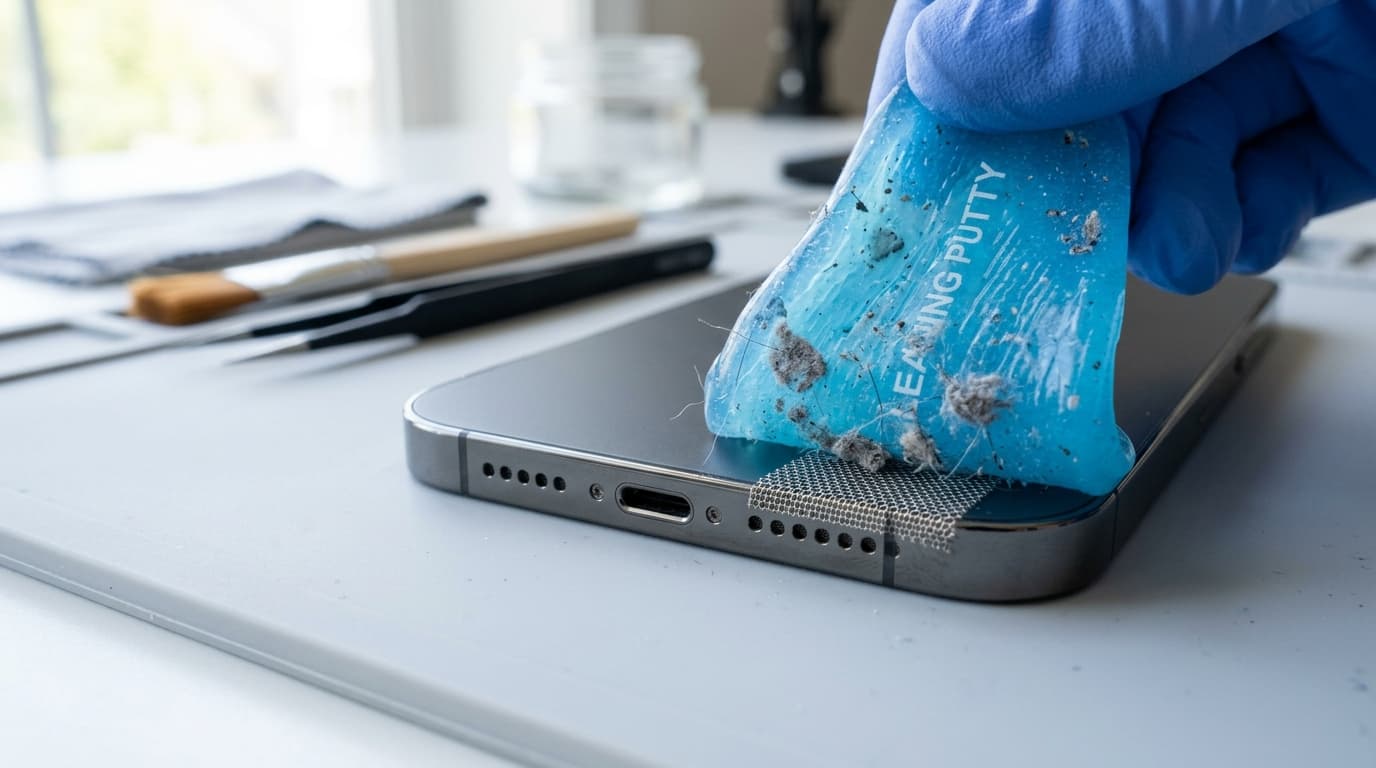
If stubborn sticky lint or compacted dirt remains, dab a micro-dot of adhesive electronics putty (Blu-Tack) gently onto the grille surface and lift it off straight. Never use metal sewing needles or toothpicks. If sound remains heavily muffled, the internal driver membrane may require ultrasonic professional cleaning at an authorized repair center.