How to Fix Phone Speaker Not Working (Android & iPhone)
To fix a phone speaker that has stopped working, first turn off Bluetooth to disconnect hidden audio devices, reboot your phone into Safe Mode to check for app interference, brush the bottom speaker grille with a soft toothbrush, and run a 165Hz water/dust sound ejection tone.
Acoustic Speaker Cleaner Studio
CalibratedPulsed resonance frequencies engineered for mobile & laptop acoustic grilles
Optimal Technique: Set volume to 80%–90%. Angle speaker grilles 45° downward over a microfiber cloth to allow expelled droplets and dust to escape naturally. Safe acoustic exposure limit: <85dB SPL.
Why This Happens
Step-by-Step Fix
Turn Off Bluetooth & Toggle Flight Mode
Swipe down your Quick Settings notification shade and turn off Bluetooth. Smartphones frequently maintain background links to Bluetooth earbuds (boAt, Noise, OnePlus Bullets) or car stereos sitting in the driveway. Toggle Airplane Mode on for 10 seconds, then off to reset all radio and audio output routes.
Inspect Bottom Speaker Grille for Dust and Lint
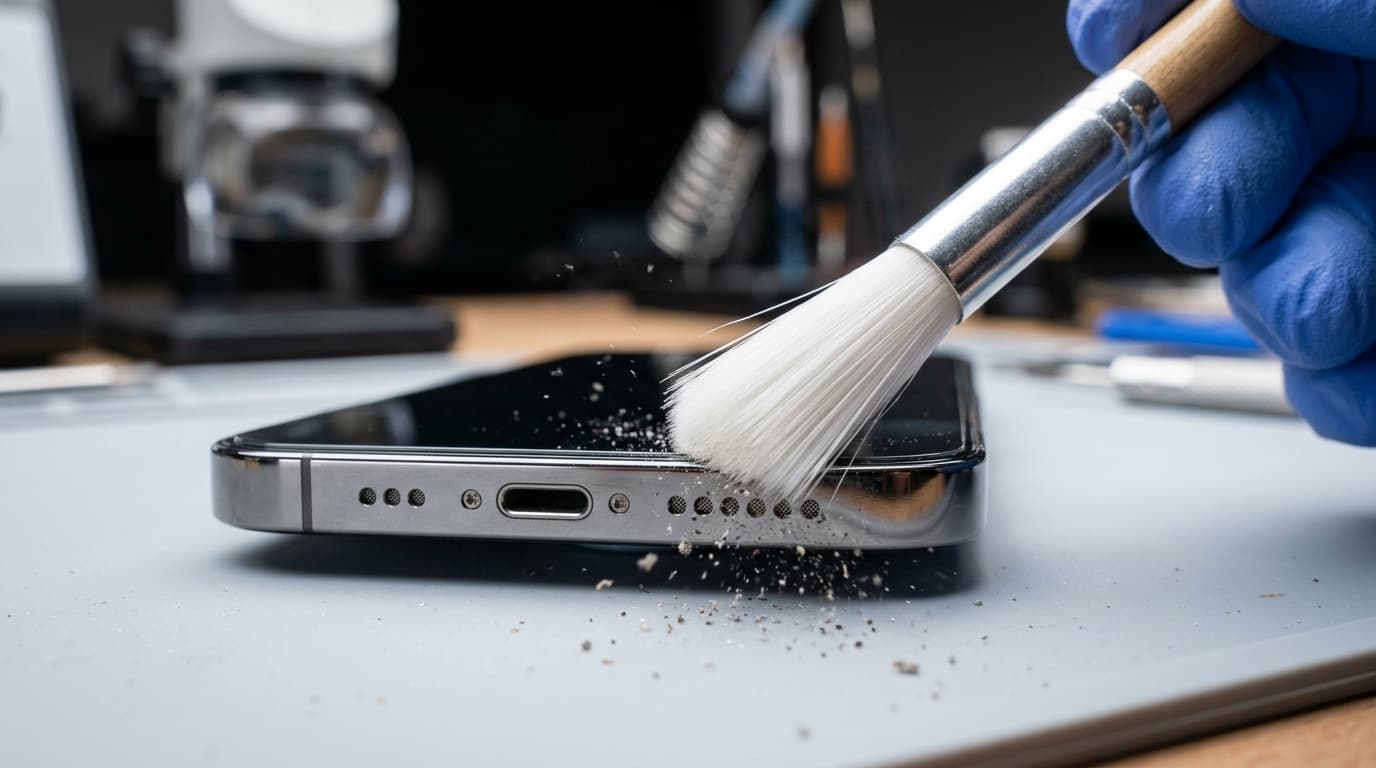
Look closely at the pinhole or slot-style speaker openings at the bottom edge of your phone under good light. Use an ultra-soft dry toothbrush to brush across the holes gently. Never poke metal needles, SIM ejector tools, or safety pins into the grille, as they will puncture the waterproof acoustic mesh beneath.
Run a 165Hz Acoustic Cleaning Tone
Play our built-in 165Hz audio ejection tone on this website. Set media volume to 90%, angle the phone so the speaker faces downward, and let the high-excursion sound waves push out micro-particles of trapped dust, water droplets, and lint.
Reboot Phone Into Safe Mode to Eliminate Bad Apps
Hold down the Power button, then tap and hold the "Power Off" icon on screen until the "Safe Mode" prompt appears. Tap OK. In Safe Mode, all third-party apps are disabled. If audio works perfectly in Safe Mode, a recently installed app (such as a call recorder, custom equalizer, or game) is blocking the sound stream.
Check Sound Accessibility & Balance Settings
Open Settings > Accessibility > Hearing Enhancements (or Audio). Ensure the Left/Right stereo audio balance slider is centered directly in the middle. Toggle "Mono Audio" on and off to verify both top earpiece and bottom loudspeakers are firing correctly.
Wipe System Cache Partition or Reset Settings
If the speaker failed following an OTA operating system update, clear the system cache partition via the recovery menu (accessible by holding Power + Volume Up while powering on Samsung/OnePlus/Xiaomi phones). You can also perform Settings > System > Reset > Reset All Settings without deleting your personal photos or files.
Run Hardware Diagnostic Test (Dialer Codes)
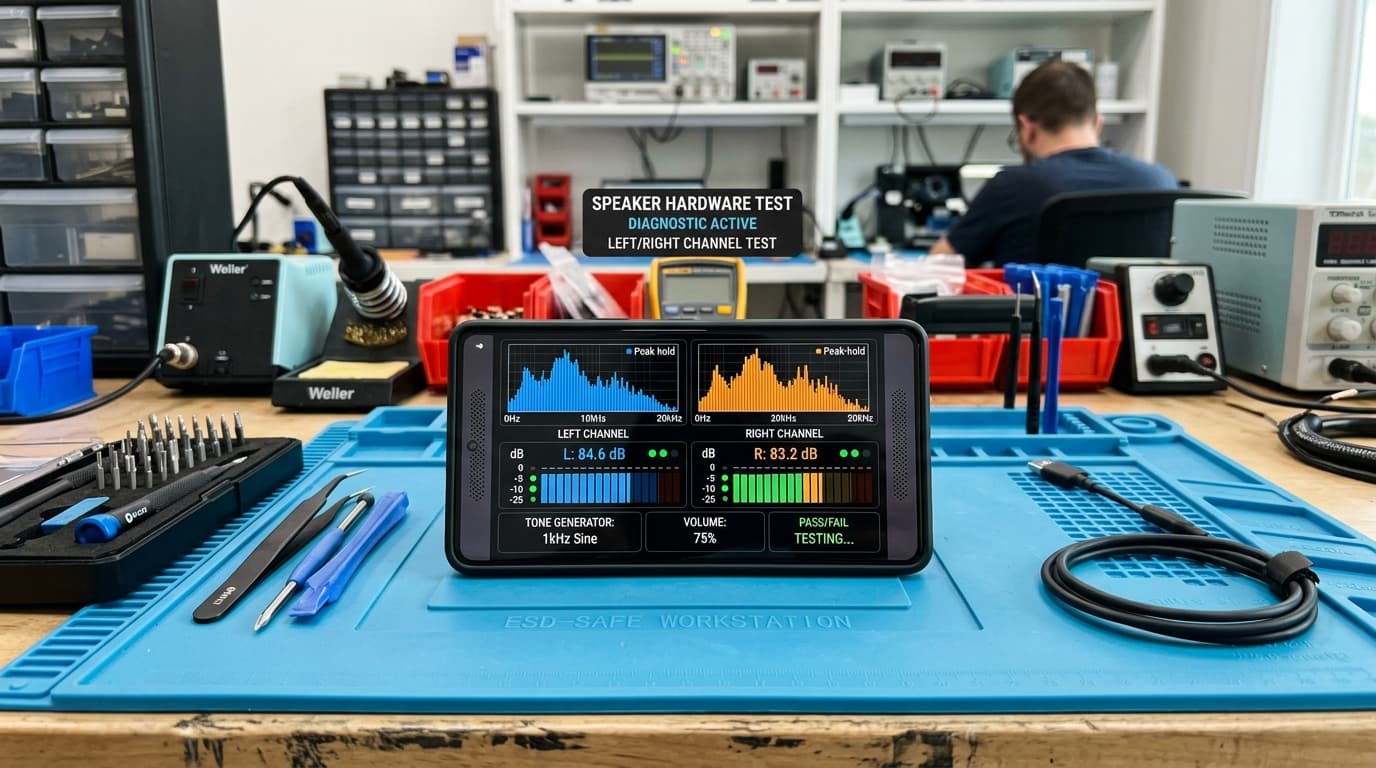
Bypass all software layers to test speaker hardware directly. On Samsung, dial *#0*# and tap "Speaker" to test left/right channels. On Xiaomi, Redmi, and POCO, dial *#*#6484#*#* to open the CIT Hardware Test. On OnePlus, dial *#899#. If sound plays clearly during dialer tests, your issue is 100% software-based.