How to Fix a Water-Damaged Speaker
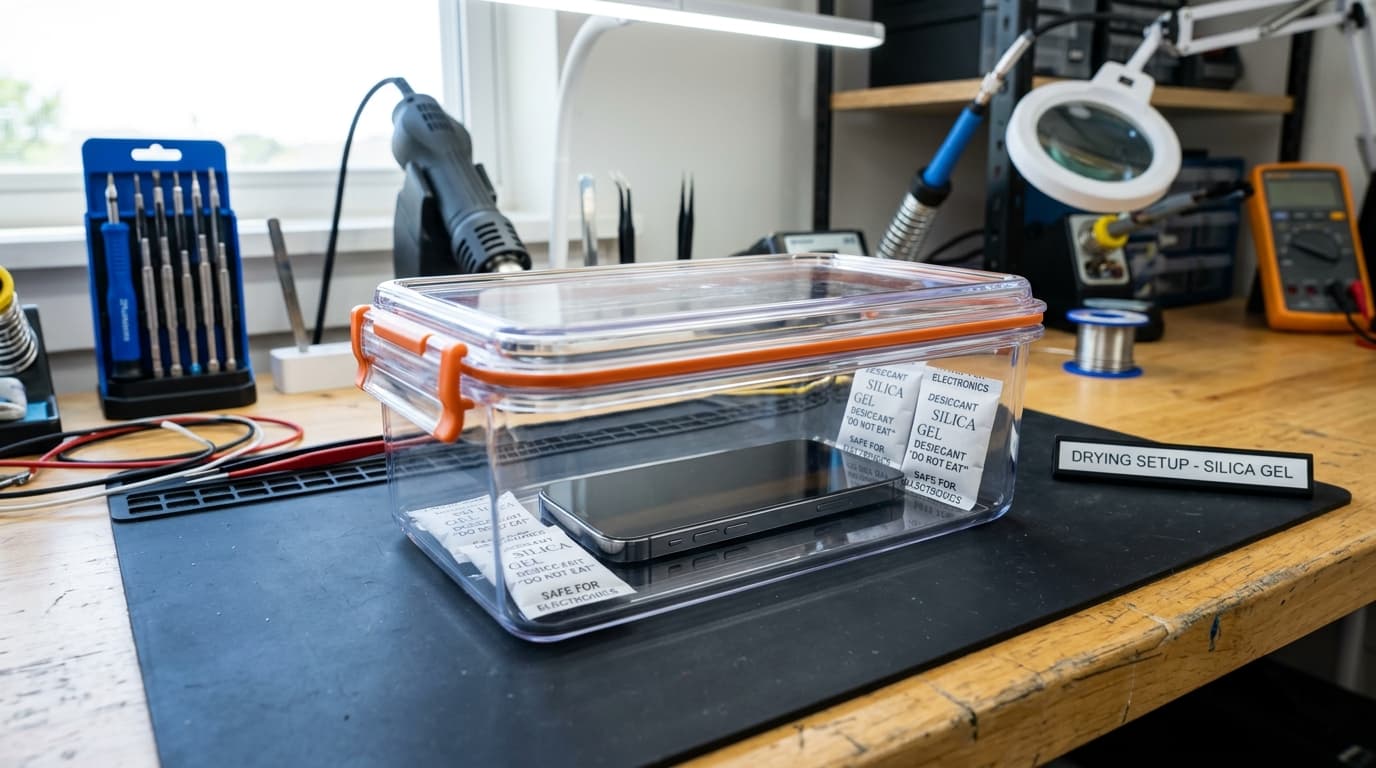
If water enters your speaker, immediately turn off the device and do NOT plug in a charger. Hold the phone speaker-down and gently tap it against your palm to remove excess drops. Next, run our 165Hz water ejection tone tool to expel trapped moisture via sound wave vibrations, then let it dry in a warm, ventilated room with silica gel for 24 hours.
Acoustic Speaker Cleaner Studio
CalibratedPulsed resonance frequencies engineered for mobile & laptop acoustic grilles
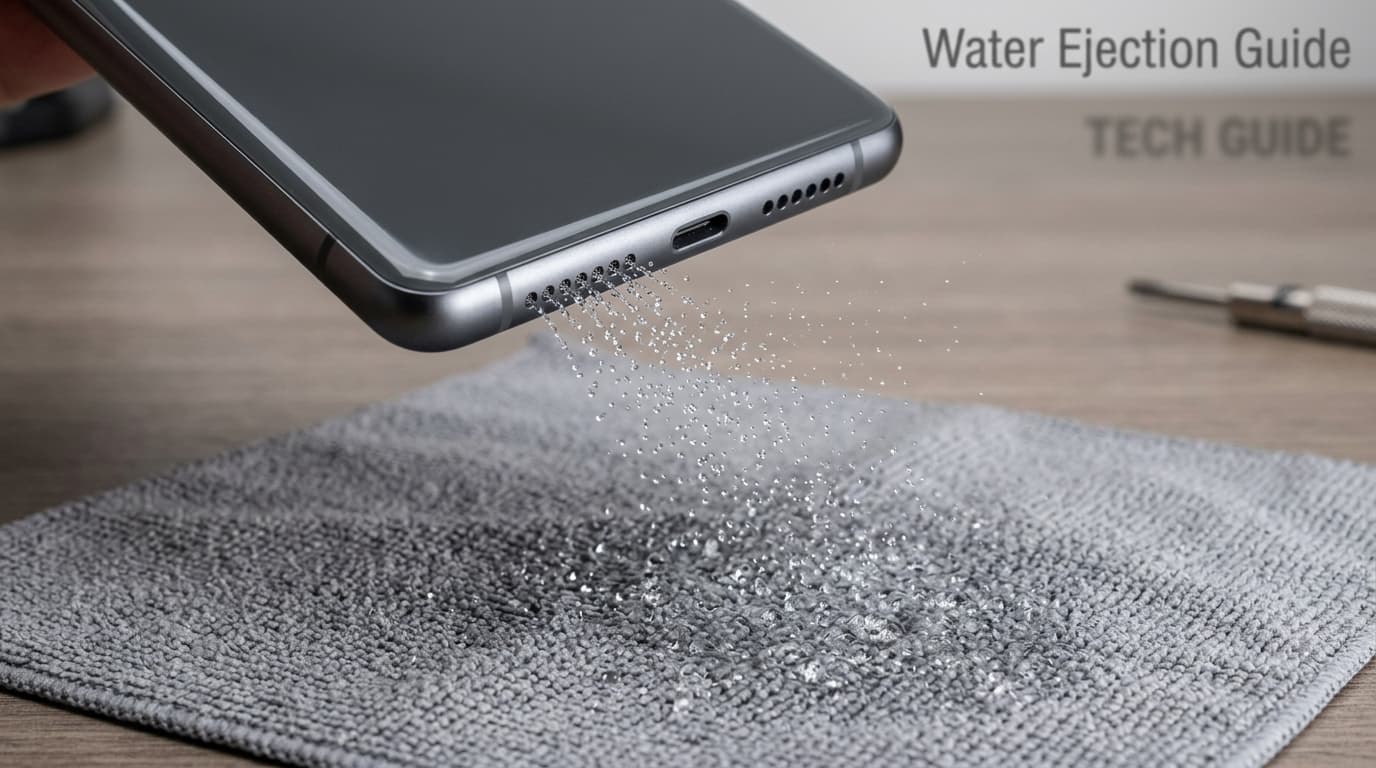
Optimal Technique: Set volume to 80%–90%. Angle speaker grilles 45° downward over a microfiber cloth to allow expelled droplets and dust to escape naturally. Safe acoustic exposure limit: <85dB SPL.
Why This Happens
Step-by-Step Fix
Power Off Immediately and Never Plug in a Charger
The single most critical step in the first 60 seconds is cutting power. Shut down the phone or speaker right away. Never connect a USB-C or Lightning charging cable while moisture is present, as this triggers catastrophic electrolytic corrosion and can destroy the charging IC and audio amp.
Gently Tap and Shake Out Surface Water
Hold your device firmly with the speaker grilles facing straight toward the floor. Gently tap the bottom edge against the palm of your hand. Gravity and kinetic inertia will break the surface tension of water droplets clinging to the mesh, allowing them to escape rather than seep deeper into the battery and logic board.
Dry With Desiccant (Silica Gel) — Avoid Raw Rice
Do not bury your phone in uncooked raw rice. Rice dust and starch particles enter the charging port and speaker mesh, forming a sticky cement when combined with water. Instead, place the device in a sealed container alongside 4-6 packets of synthetic silica gel desiccant, or position it in front of a circulating room fan in a dry room.
Run a 165Hz Acoustic Water Ejection Tone
Once major exterior moisture is blotted away, power on the device briefly and use our interactive 165Hz tone cleaner right on this page. The repetitive low-frequency sine pulses act as an acoustic pump, pushing remaining trapped micro-droplets out through the grille holes. Run the tone 2 to 3 times for 30 seconds each, with the grille angled downward.
Allow a 24 to 48 Hour Drying Period Before Heavy Use
Even if the initial water eject seems successful, microscopic moisture can linger around internal adhesive seals. Avoid blasting music at 100% volume immediately, which can tear damp speaker paper cones. Allow the phone to rest in a dry, ventilated area for at least 24 hours before resuming normal usage.